
Sumokey Cloner Kit Instructions | Schlage, MIWA, Dormakaba, Salto, Vingcard, UHF Tags
Sumokey Cloner Kit Instructions
Find the correct instructions for your key fob or parking tag by matching your brand or tag image below.
Each instructions page includes the software download steps and how to use your Sumokey cloner kit.
Before You Start
All kits require a Windows or MacOS computer with a USB port.
If your computer only has a USB-C port, you will need a USB adapter.
Quick Kit Finder
- Schlage 9691T → Use the Schlage 9691T Instructions
- Schlage 9651T, MIWA, Dormakaba, Salto, Vingcard → Use the PN532 High-Frequency Kit Instructions
- Nedap Smartrac Dogbone, Nedap UHF, Dolphin UHF, Tres UHF, TagMaster → Use the UHF Cloner Kit Instructions
Choose the Correct Instructions
Match your key fob or tag to the images below, then open the correct instructions page.
Schlage 9691T Instructions
For the Schlage 9691T dual-frequency key fob.
This kit uses:
- Blue Cloner for the low-frequency portion
- PN532 device for the high-frequency portion
Example of Schlage 9691T:

PN532 High-Frequency Kit Instructions
For these supported high-frequency key fobs: Schlage 9651T, MIWA, Dormakaba, Salto, and Vingcard.
This kit uses the PN532 cloner only. It does not use the blue low-frequency cloner.
Examples of supported PN532 key fobs:

Schlage 9651T
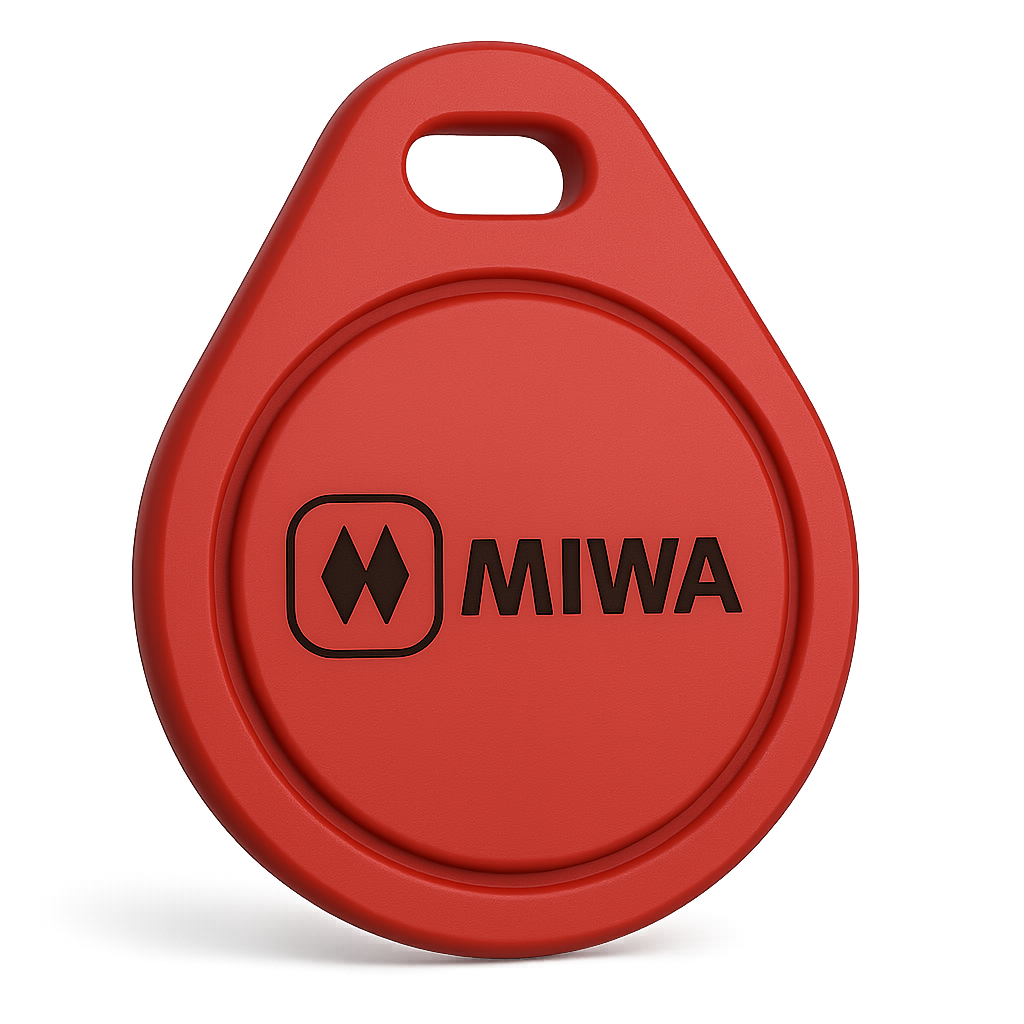
MIWA
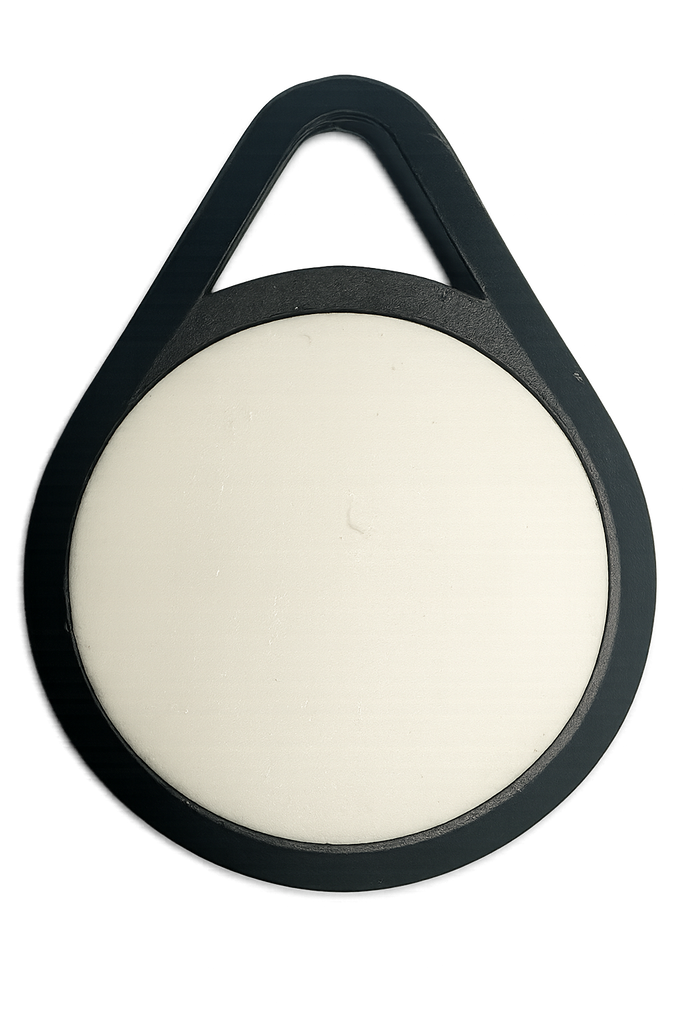
Dormakaba

Salto
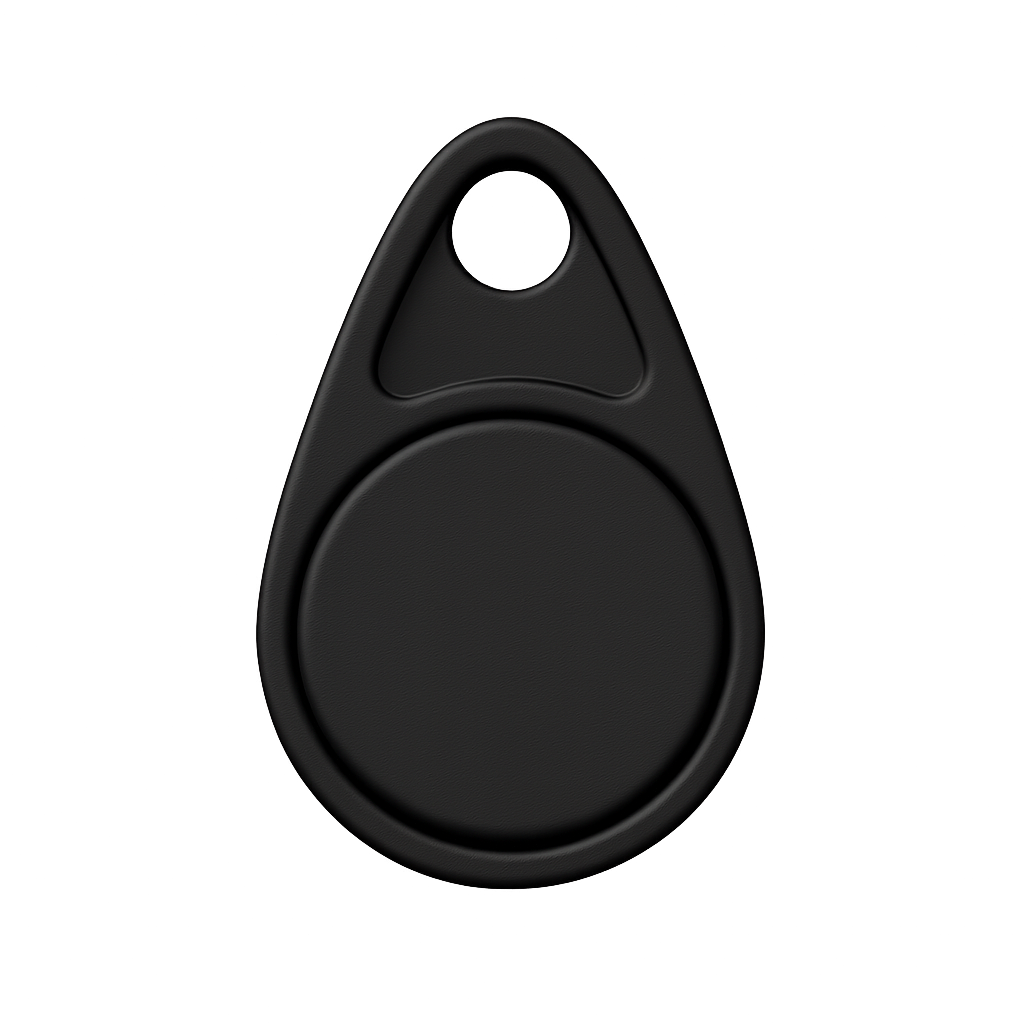
Vingcard
UHF Cloner Kit Instructions
For supported UHF parking tags including: Nedap Smartrac Dogbone, Nedap UHF, Dolphin UHF, Tres UHF, and TagMaster.
This kit is different from the PN532 kit and is used specifically for supported UHF tag duplication.
Examples of supported UHF tags:

Nedap Smartrac Dogbone
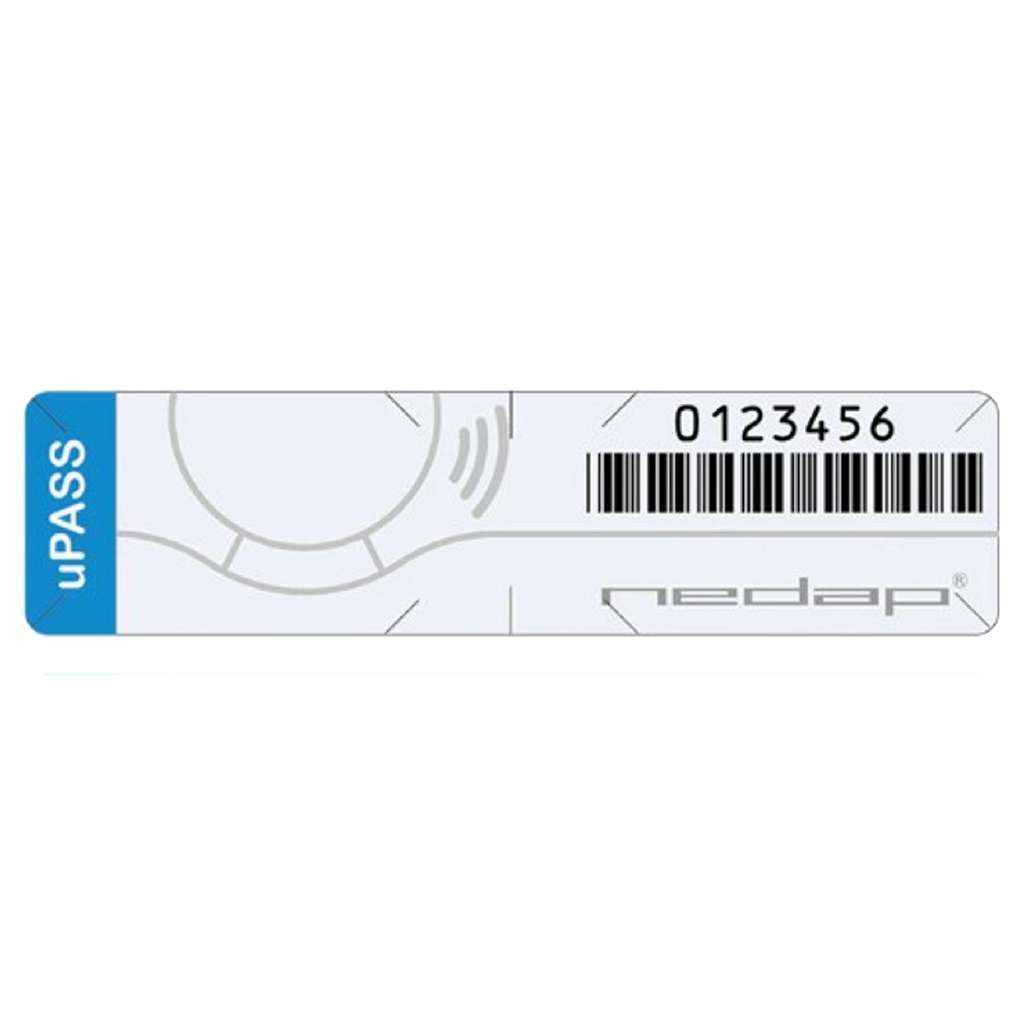
Nedap UHF

Dolphin UHF
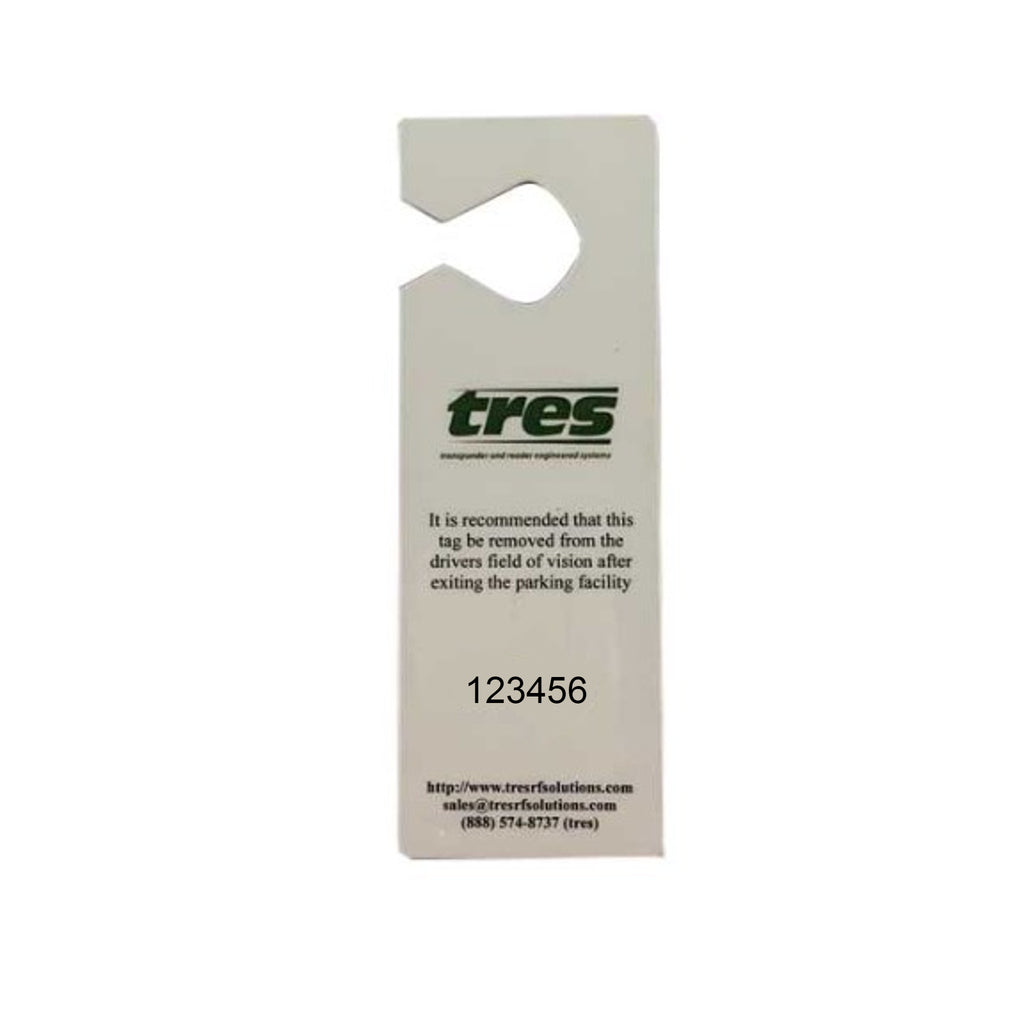
Tres UHF

TagMaster
Important for UHF Kits
Your UHF kit requires numeric credentials from our support team. If you have not received them yet, please email support@sumokey.com.
Need Help?
If you are not sure which kit matches your key fob or tag, or if you need help getting started, please contact support@sumokey.com.